The Making of'It's Always Sunny Around Here'Chapter 8: Metadata
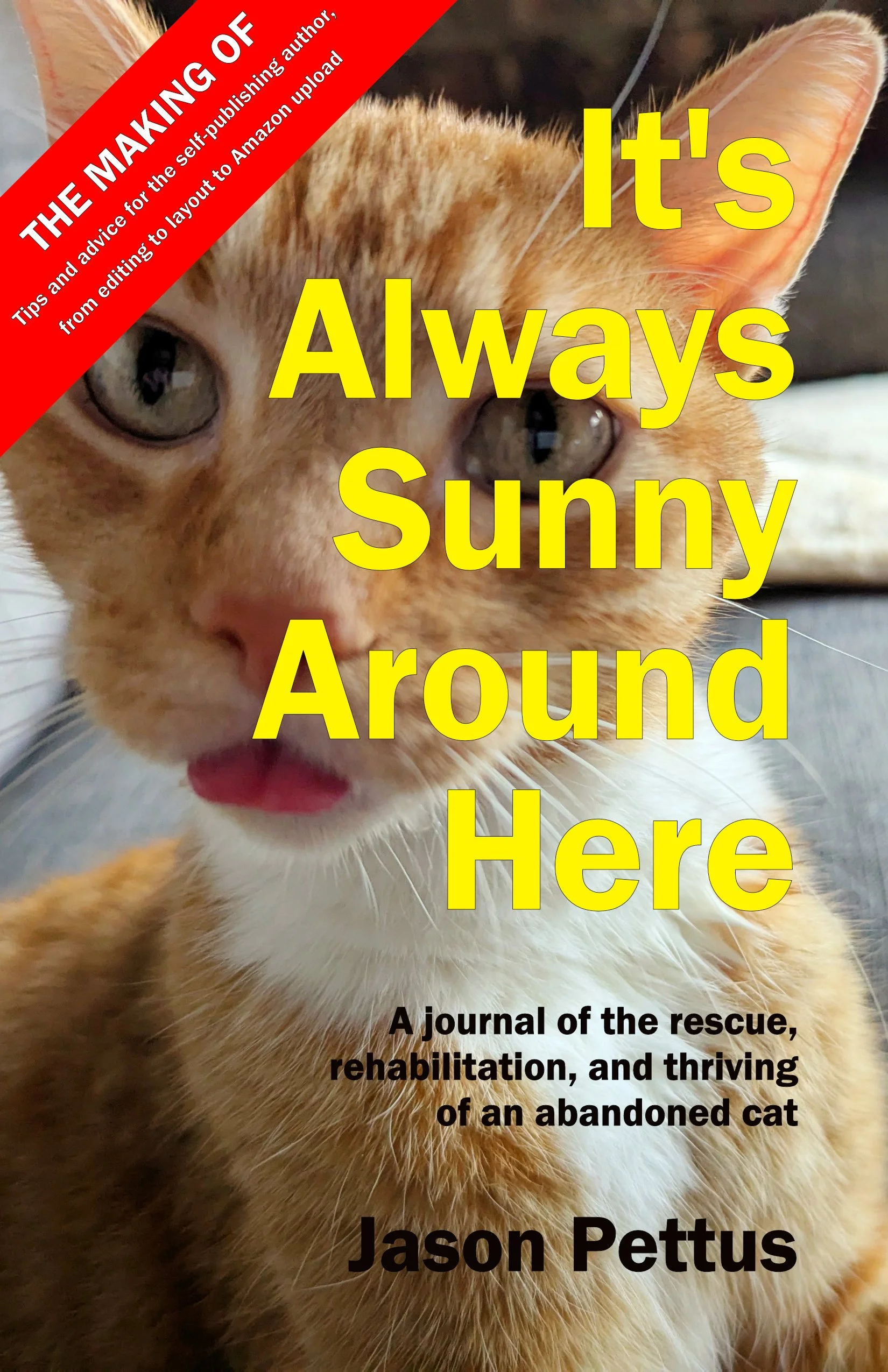
To read this making-of guide as a downloadable ebook, click here for the EPUB and click here for the Kindle version (AZW). To look at and/or buy the book being discussed, head over to Amazon.
“Metadata” is a fancy term that means not the content of a book itself, but rather all the other information about that book that helps algorithms, stores, and readers understand more about that book’s subject and availability. This includes everything from the book’s Amazon synopsis (known in the old days as the book’s “dust jacket copy”) to its Book Industry Standards and Communications (BISAC) categories, its International Standard Book Number (ISBN), the Amazon keyword phrases that will help customers there discover it, and a lot more. Once you go through the Amazon uploading process, you will discover each and every bit of metadata you will need to put together; here in this book we will be discussing the major ones in more detail.
This leads us to what I suspect will be the first real controversial moment in this “making-of” guide, which is my confession that in the case of Sunny, I actually used an AI bot to generate the book’s synopsis. What can I say? I’m terrible at writing book descriptions! I am still passionately opposed to using AI bots for the creative part of creativity, and don’t think anyone should use them for things like actually writing their book or doing the developmental edit; but I admit that when it comes to stupid, basic, tedious things, these AI bots are becoming increasingly competent, like how back in Chapter 1 I admitted that I don’t think it’s the worst thing in the world for an author to use Grammarly to check simple things like their manuscript’s punctuation and spelling, both of which rely on rules that are so simple and standard that even automated software now does a pretty decent job. (Let’s not forget as well that we’ve had things like spellcheck in Word for literally decades at this point, long before the rise of large language models.)
I didn’t know how good or bad a job an AI bot might do with summarizing my entire book and spitting out a pithy synopsis; but when I uploaded my Word file to Google Gemini and asked it to do such a thing, I must confess that I was legitimately shocked at how perfect it got it, all the way down to the clever tag line to start it all out, “96% Wild. 100% Family.” Turns out that writing lazy ad copy is something AI bots excel at, which is bad news for every lazy copywriter who’s currently in that industry, but is great news for self-publishing authors. Back when I ran a small press, this is something my authors and I would badly struggle with during each and every book I put out; so I’m glad to have this tool at my disposal, and have to admit that I don’t really feel that guilty about using it in this way.
Next in our discussion about metadata, let’s talk about something important that’s happened at Amazon in recent years but that they don’t advertise or even really mention to self-publishing authors; that the seven “keywords” they’ve always allowed you to assign to one of your books, to help customers better find your title when they search on that subject in the Amazon search engine, was expanded several years ago so that each can now be up to 50 characters long and consist of entire phrases, not just a single word. Because of that, these keyword phrases have become much more powerful tools when it comes to search engine optimization (SEO); for example, instead of just saying “cat” or “memoir,” now I can say the full phrase, “Memoir about rescuing an abandoned cat,” which will make my book appear higher in a search result whenever an Amazon customer searches the site for that specific phrase.
I recommend that you use half of your keyword phrases to describe more general subjects, in that this will help with your book showing up at the bottom of more famous book pages, under the “recommended” or “customers also looked at” sections (for example, some of mine include “Chicago co-ops” and “pet care”); then use the other half for highly specific subjects, so that your book will appear high in the search results whenever someone specifically searches on that particular unique phrase. In my case, for example, I mention cat behaviorist Jackson Galaxy a lot in my book, so I made one of my keyword phrases the 45-character “cat guardian advice similar to Jackson Galaxy.” People may not search on a phrase like that nearly as much as they search on “pet care,” but my book has a much higher chance of appearing on the first page of results when someone does.
Finally, let’s talk a bit about the various book numbering systems that exist out there, because this can sometimes get confusing. The granddaddy of them all is the International Standard Book Number, or ISBN; invented in 1970, it’s an attempt to assign a unique number to every book that’s ever published anywhere on the planet, basically as a way to make it easier for retail stores to order a copy of the exact book they want. You therefore need an ISBN in order to sell at brick-and-mortar bookstores, although you don’t need one if you’re only planning on selling at Amazon. (More specifically, Amazon will be happy to assign one of their own ISBNs to your book if you want; but in that case, if anyone looks up the ISBN record afterwards, it will show your publisher’s name as “Independently published,” which you might not want if you’re attempting to make your book look as legitimate as possible.)
An ISBN is easy to acquire; simply fill out a bunch of forms, then pay an outrageous fee (as of 2026, an entire $150 for just one book, although you can buy a hundred of them for just $6 apiece, which is exactly what I did back in 2008 when I first opened my small press, which is why all my contemporary self-published books have the “Chicago Center for Literature and Photography” listed in the ISBN record as their publisher). Or, as I said, if you don’t really care about this subject, Amazon will be happy to assign you one of their ISBNs to your book automatically.
Technically, a different ISBN is supposed to be assigned to every version of your book, including separate ones for the hardback, the paperback, the audiobook, and the ebook; but since I have no plans on ever selling the ebook version of Sunny anywhere but Amazon, I didn’t bother assigning a separate ISBN just to it. Instead, Amazon will assign its own number to your ebook the moment you publish it, known unsurprisingly as its Amazon Standard Identification Number, or ASIN. This is the same deal as the ISBN; it isn’t really something you need to worry about at all except in highly specific circumstances, so I suggest just receiving your free mandatory ASIN when you first publish it, then being done with the whole thing.
And then the last big standard number to deal with is the Library of Congress Control Number (LOCCN), but in this case only for American books. You’ll notice that Sunny has no LOCCN, and I must admit that that’s because I don’t really care if it has an LOCCN or not. Unlike an ISBN, which is used as the basis for every retail outlet where your book might possibly appear (and is also the number used for the physical barcode on the back cover), an LOCCN is required only and exclusively if you want your book to be purchased by public libraries; and I must admit that I’m not going out and actively pitching my book to any public libraries, so I thought that as long as I had a chance to skip one of these expensive and time-consuming details, I would go ahead and do so. That said, acquiring an LOCCN is not any different than any of these other options—it mostly just boils down to filling out a bunch of paperwork and then paying an outrageously high fee—so it certainly doesn’t hurt to add it to your metadata plans. In my opinion, self-publishing should be less about blindly and unquestioningly ticking off a bunch of boxes that someone else tells you you “must” do, and more about understanding which steps you actually need and then only doing those steps; so if like me you’re not planning on specifically marketing and promoting your books to the library crowd, feel free to skip the LOCCN altogether.
Once you’re done with the metadata, congratulate yourself—you’re now officially finished with putting together all the pieces you need for publishing your book, and now all that’s left is to upload it all to Amazon. Warning: prepare yourself for technical problems, because you absolutely will have them! But we’ll talk about this in more detail in the next chapter.